
Quick DefenderToggle

Give advanced Windows workflows a faster way to manage real-time protection when policy allows it.
Control that is direct and deliberate
Quick DefenderToggle helps advanced users, IT staff, and lab environments change Microsoft Defender status more efficiently when a workflow requires it. Instead of navigating multiple administrative layers, you can review state clearly and apply the action you need from one focused utility.
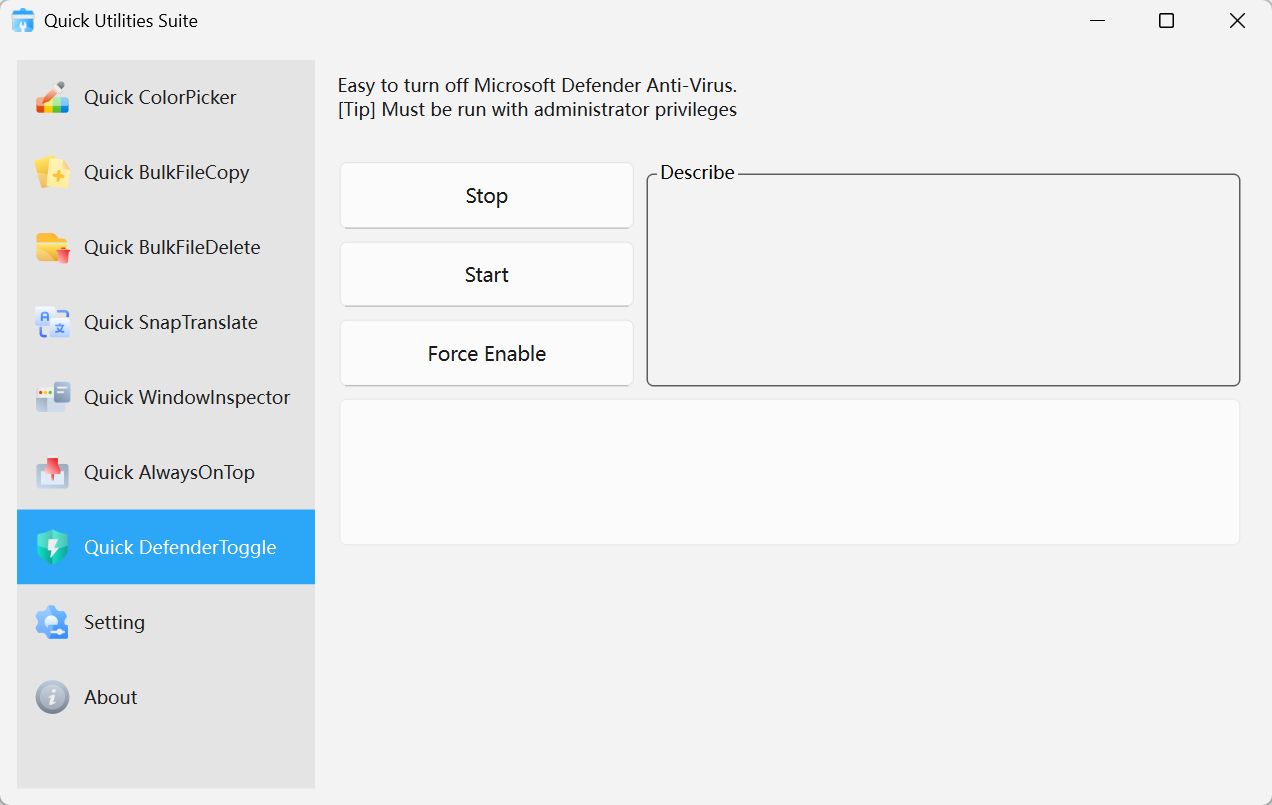
Quick DefenderToggle · Interface Preview
Why power users adopt it
Three practical control modes
Switch between STOP, START, and FORCE ENABLE depending on the operation you need to complete.
Clear state visibility
Review the current protection status before and after changes so the result is never ambiguous.
Made for administrative workflows
Useful when testing, deployment, or specialized compatibility work requires a temporary change.
Where it belongs
Software labs and testing
Reduce friction during packaging, compatibility checks, or isolated validation workflows.
IT operations
Handle temporary environment changes more quickly during controlled deployment or maintenance tasks.
Experienced Windows users
Keep system control accessible without digging through multiple administrative tools.
Get started in seconds
Run as administrator
Open the tool with elevated permissions so Defender operations can be applied correctly.Choose the required mode
Select STOP, START, or FORCE ENABLE based on your task.Confirm and restore when finished
Review the result and return protection to the desired state as soon as the task is complete.
Security note
Disabling Windows Defender reduces protection on the device. Use Quick DefenderToggle only in controlled scenarios and re-enable protection promptly after the task is complete.