
Quick WindowInspector

Surface the window details you need without the overhead of heavier inspection tools.
Fast inspection for real Windows workflows
Quick WindowInspector helps you identify window handles, process data, titles, bounds, DPI information, and application paths with a simpler, faster interaction model. Instead of navigating complex trees, you point at a target window and get the details you need immediately.
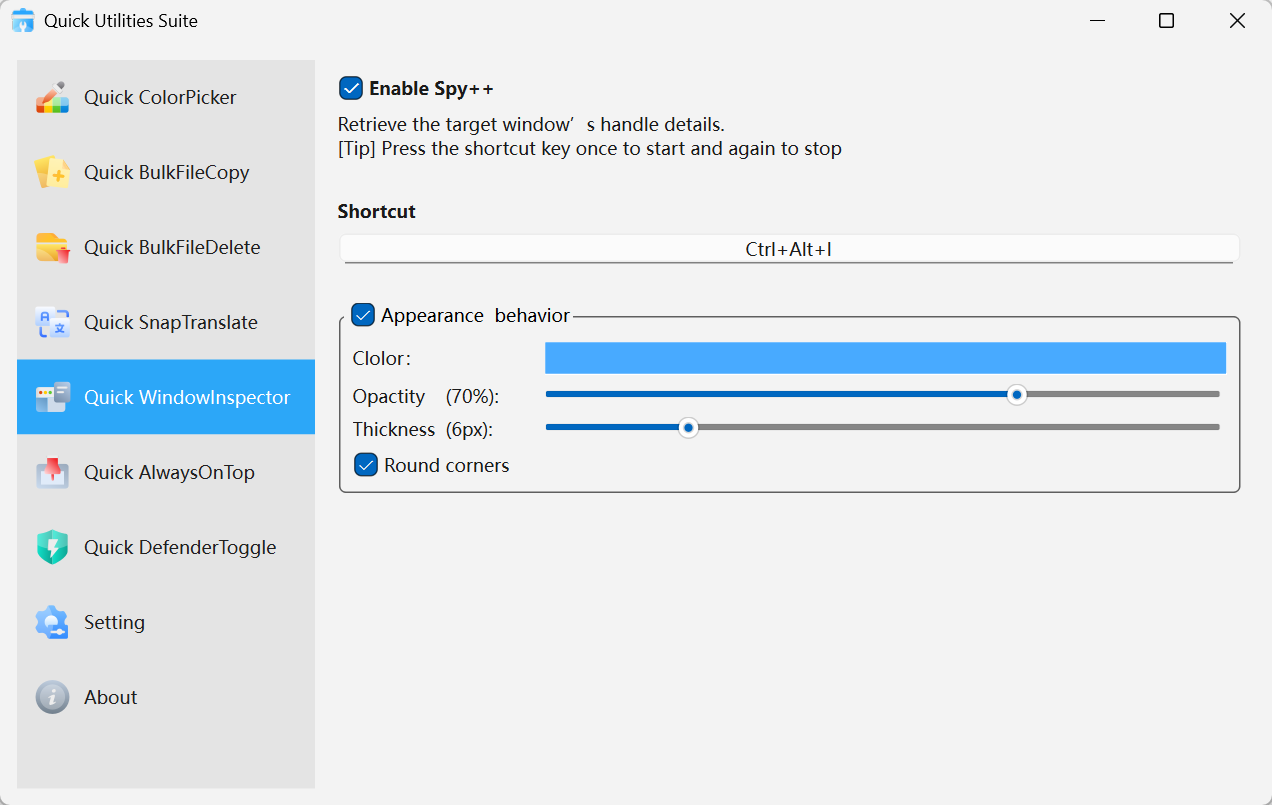
Quick WindowInspector · Interface Preview
Why professionals rely on it
The essential window metadata
Review HWND, PID, title, rectangle, DPI, path, and other practical details in one place.
Visual targeting that removes guesswork
A highlighted border shows exactly which window is being inspected, even in crowded desktop layouts.
Made for repeated use
Global activation and a lightweight interface make it easy to bring it into debugging or support work all day.
Where it creates leverage
Software development
Capture the identifiers and metrics needed for UI debugging or automation work.
QA and testing
Verify window states, sizes, and targets more quickly during manual or scripted test passes.
IT and support
Inspect problem applications and identify the process behind them without extra tooling overhead.
Get started in seconds
Open the inspector
Launch Quick WindowInspector from the tray or by shortcut.Hover the target window
Move your cursor onto the window you want to inspect and watch the data update live.Use the information immediately
Copy or reference the values you need for debugging, documentation, or support.