
Quick Utilities Suite

A broader Windows toolkit for users who want more than one utility in daily reach.
One family of tools for serious desktop work
Quick Utilities Suite brings together display control, window management, file-heavy workflow tools, screen capture, translation, OCR, and color utilities in one product family. It is designed for users who prefer a more consistent desktop environment over a collection of unrelated point tools.
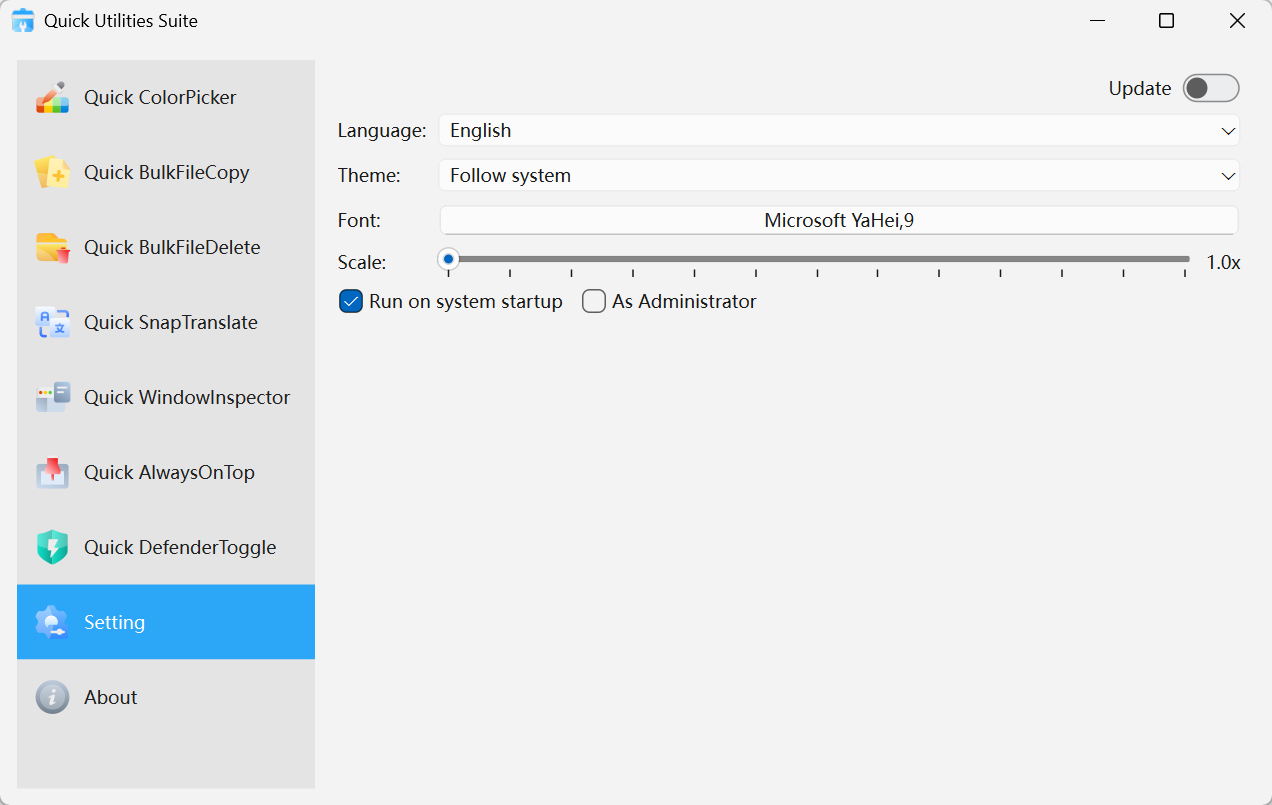
Quick Utilities Suite · Interface Preview
What it includes
Core display and multitasking tools
Quick BrightnessSync, Quick AlwaysOnTop, and Quick WindowInspector support comfortable, focused desktop work.
File workflow tools
Quick BulkFileCopy and Quick BulkFileDelete help with dependency trees, mirrored folders, archives, packaging directories, and repeated cleanup tasks.
Capture and translation tools
Quick SnapTranslate + ColorPicker extend the suite for cross-language work, visual QA, and fast extraction from what is already on screen.
Who it is built for
Power users and professional desktops
Keep a serious workstation responsive with tools that reduce repeated friction.
Developers, operators, and technical teams
Support workflows that move between files, windows, logs, dashboards, and screen-based information.
Users who want a more complete setup
Choose the suite when you want a broader toolkit rather than a single-purpose utility.